
One home for every recipe
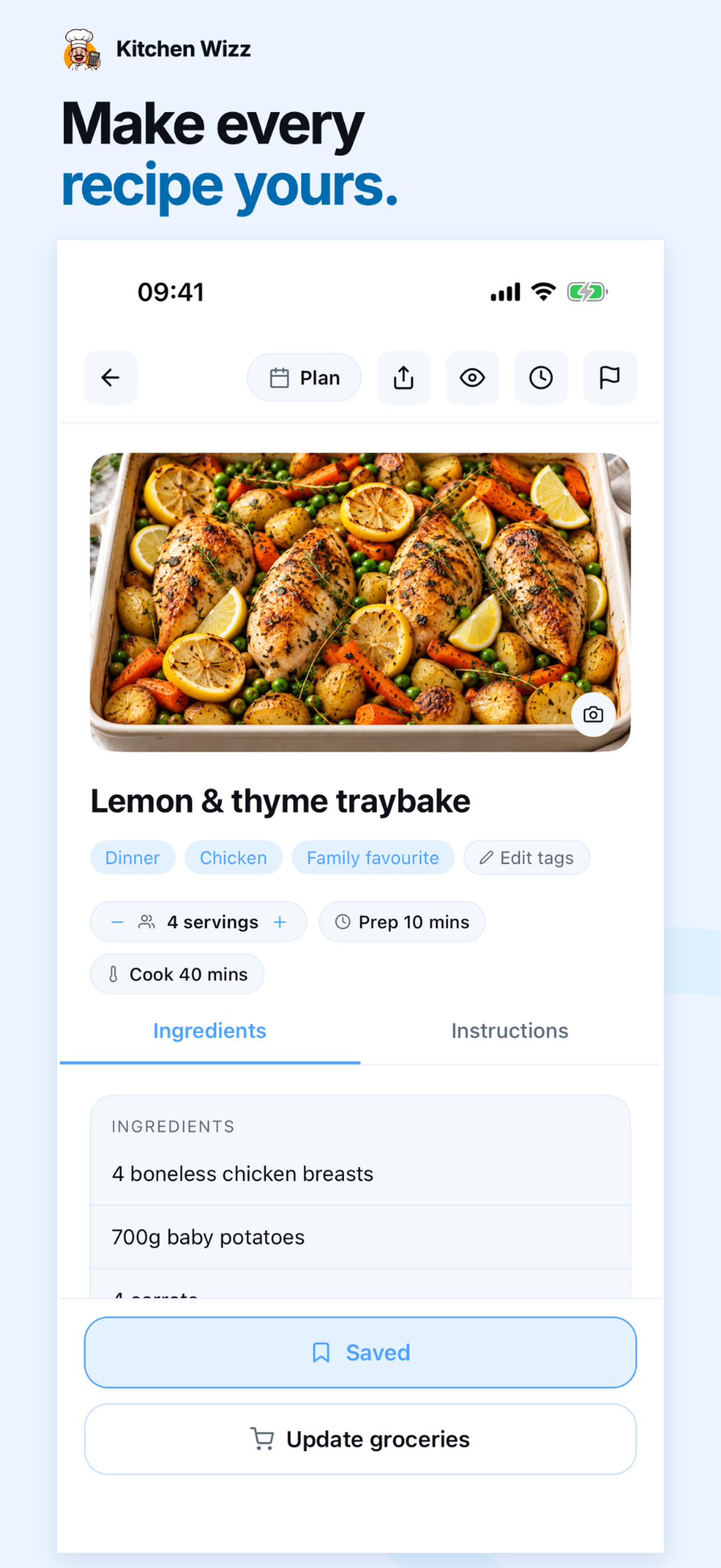
All of your favourite recipes in one place. Sort by favourites, cuisine, meal type or main ingredient. No more screenshots, scraps of paper or sticky notes.
Paste a link, snap a photo, or copy and paste recipe text. Turn any recipe into a searchable recipe card – all organised in your own recipe library.
Instantly convert measurements, scale servings up or down, and plan your week's meals. Your grocery list builds itself.
Google Play version launching soon.
Launch notification only. Send the pre-filled email to sign up. Withdraw anytime at hello@kitchenwizz.com. Privacy Policy.
Save your recipes once. Let Kitchen Wizz plan your week.
All of your favourite recipes in one place. Sort by favourites, cuisine, meal type or main ingredient. No more screenshots, scraps of paper or sticky notes.
Paste a link, snap a photo, or copy and paste recipe text – Kitchen Wizz turns every recipe into a clean, searchable recipe card.
Convert volume, weight, and temperature measures instantly. No more reaching for a calculator.
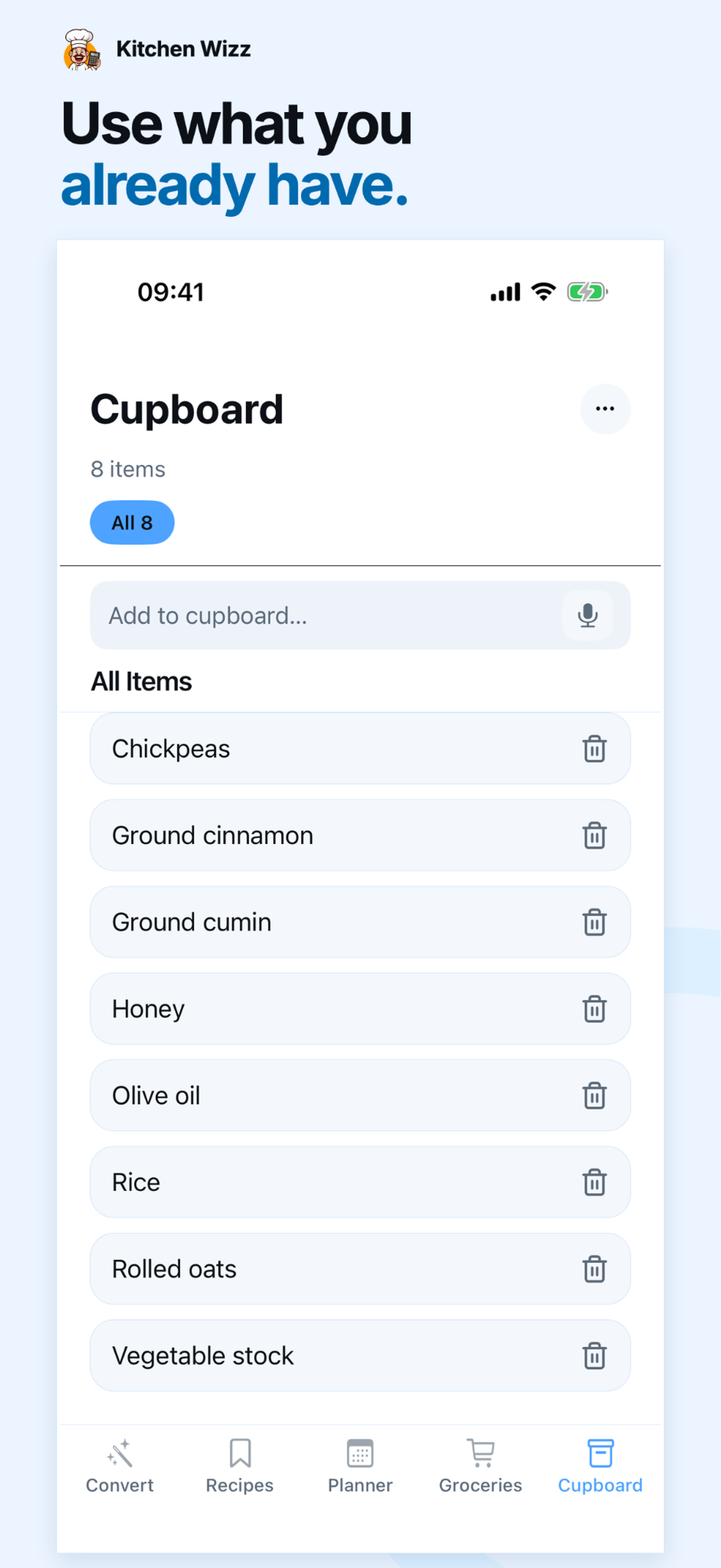
Know what you've already got before you shop. Only buy what you need. No duplications.
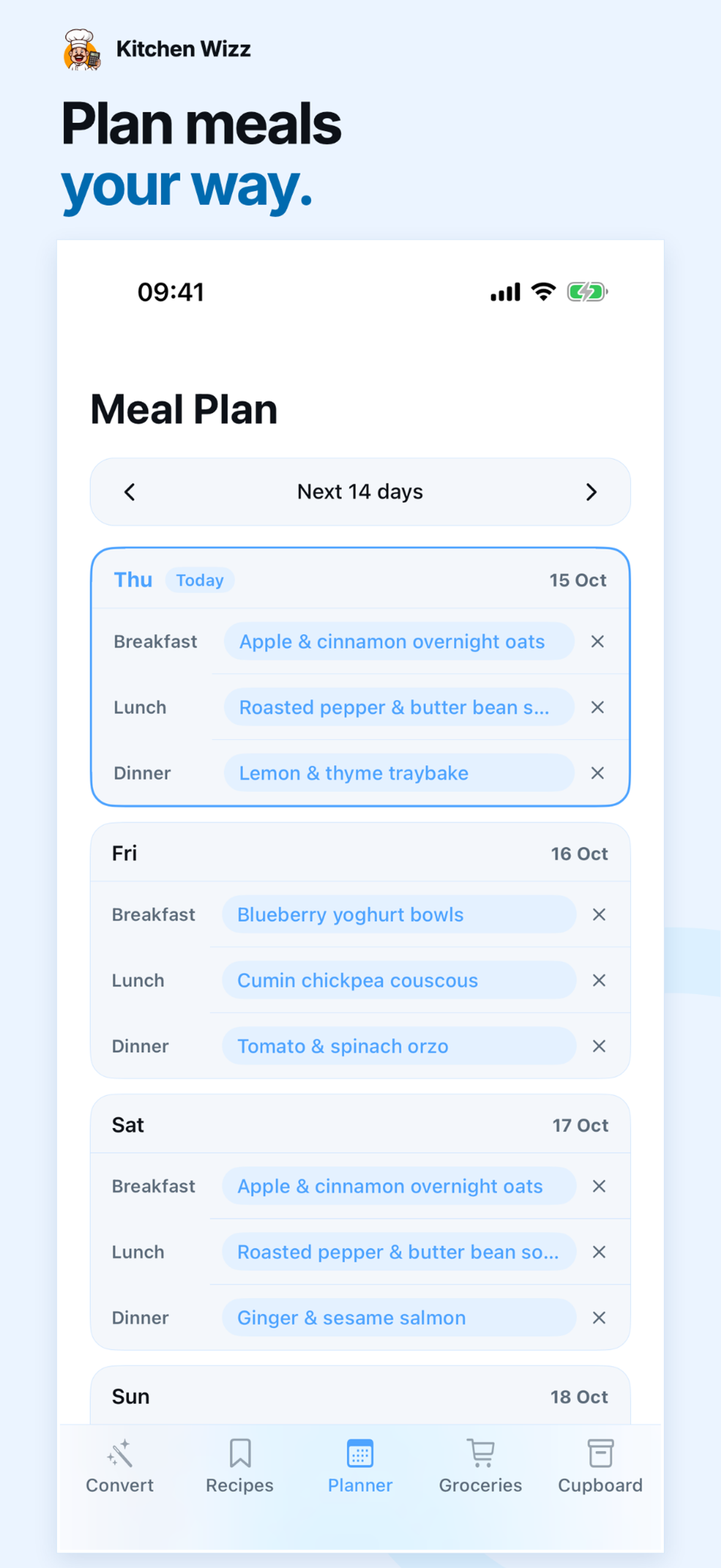
Add recipes to your weekly meal planner with automatic ingredient adjustments depending on how many people you're serving.
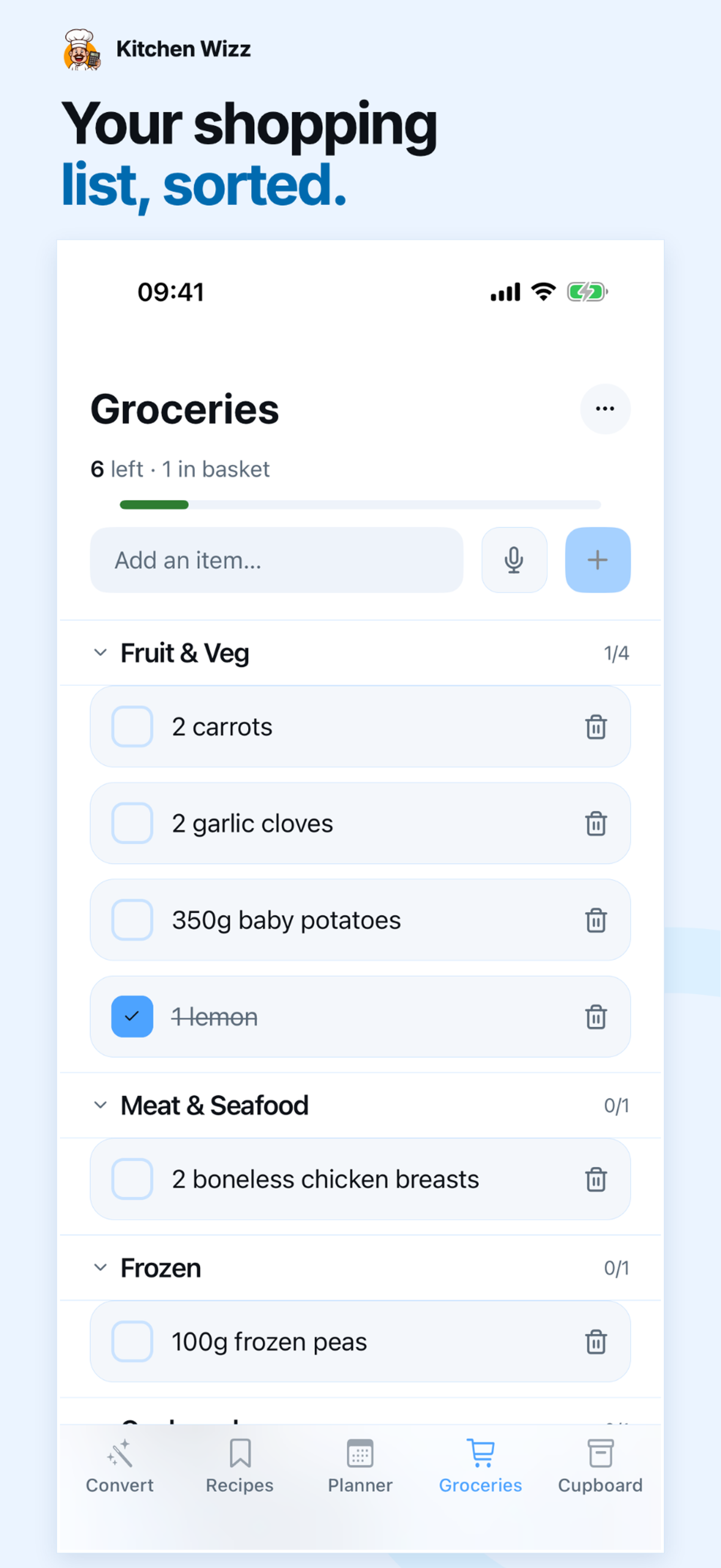
Your grocery list builds itself from your meal planner, organised by aisle and ready to check off in-store.
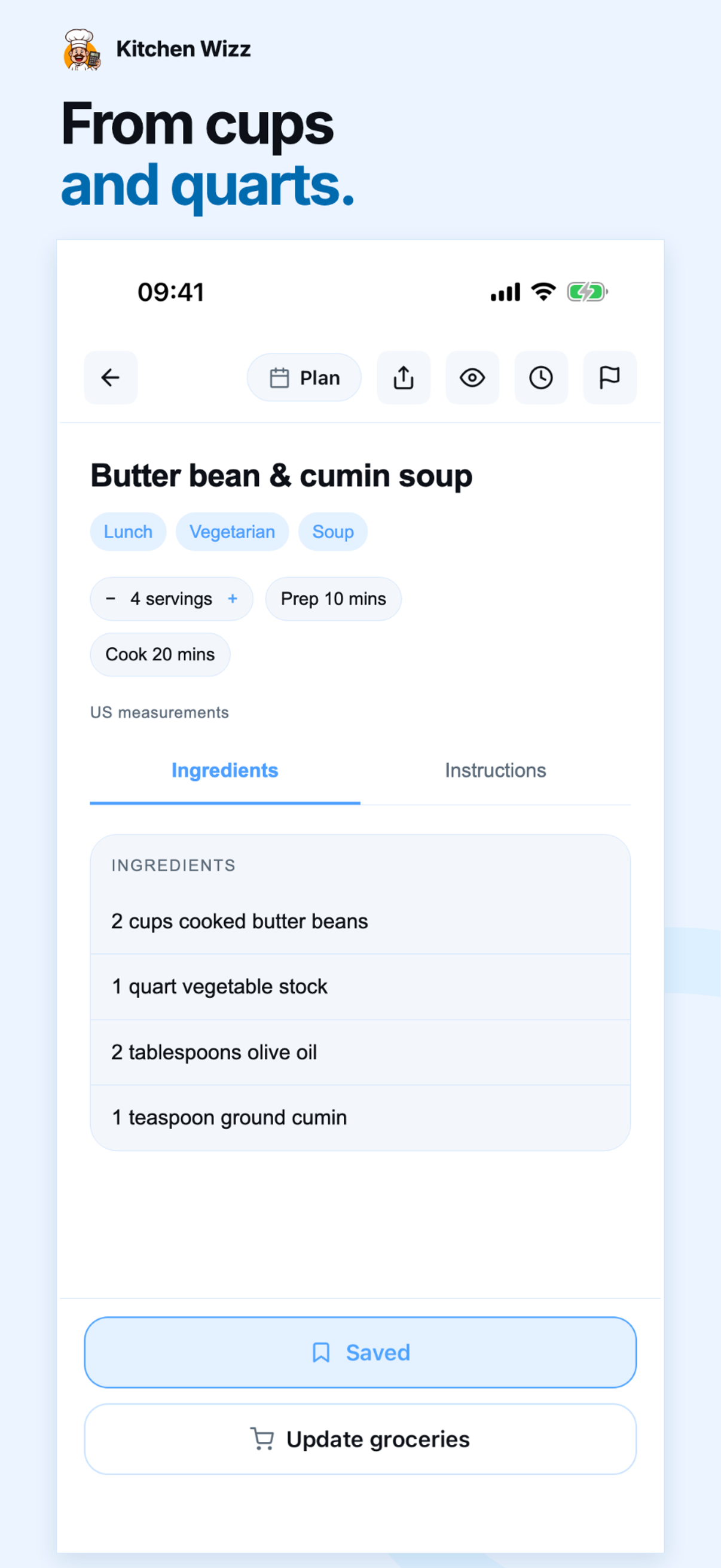
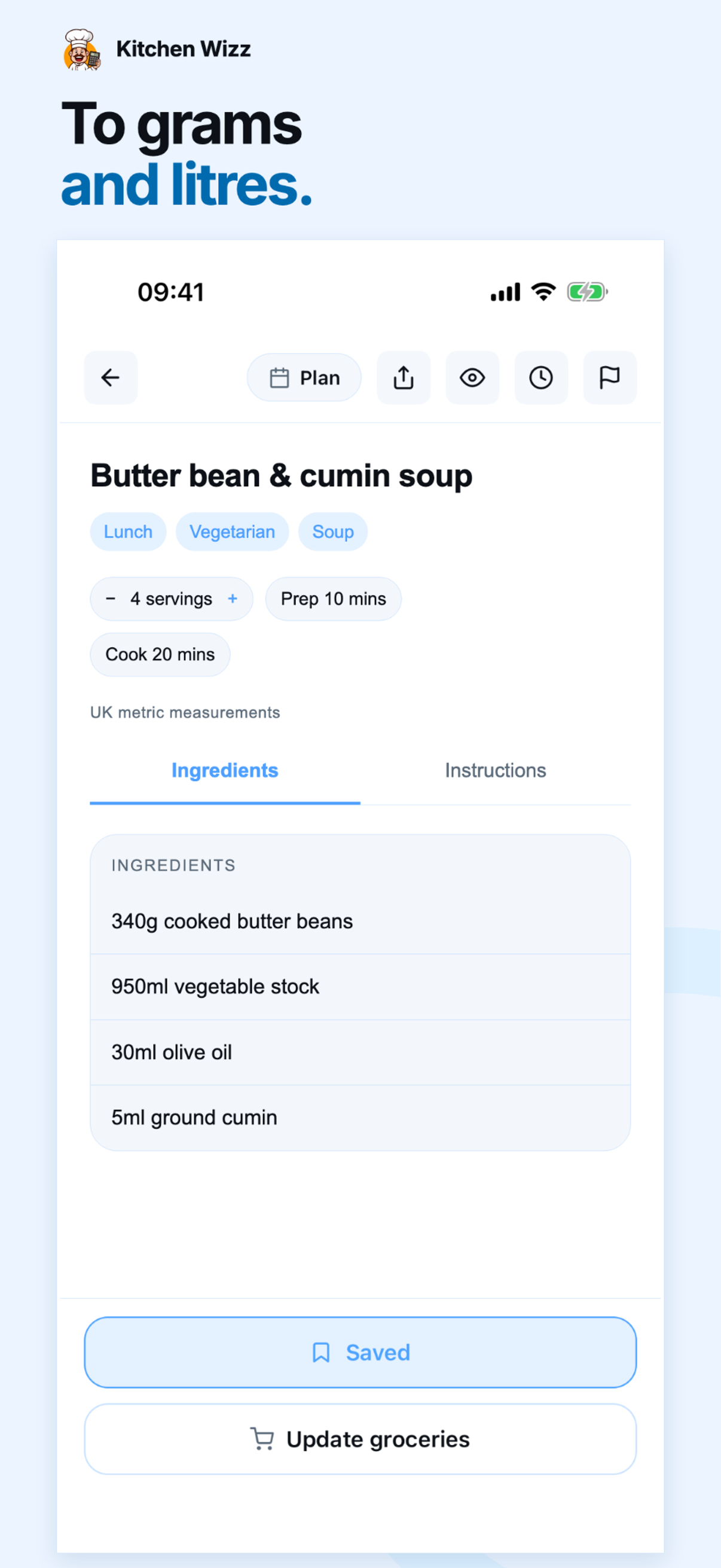
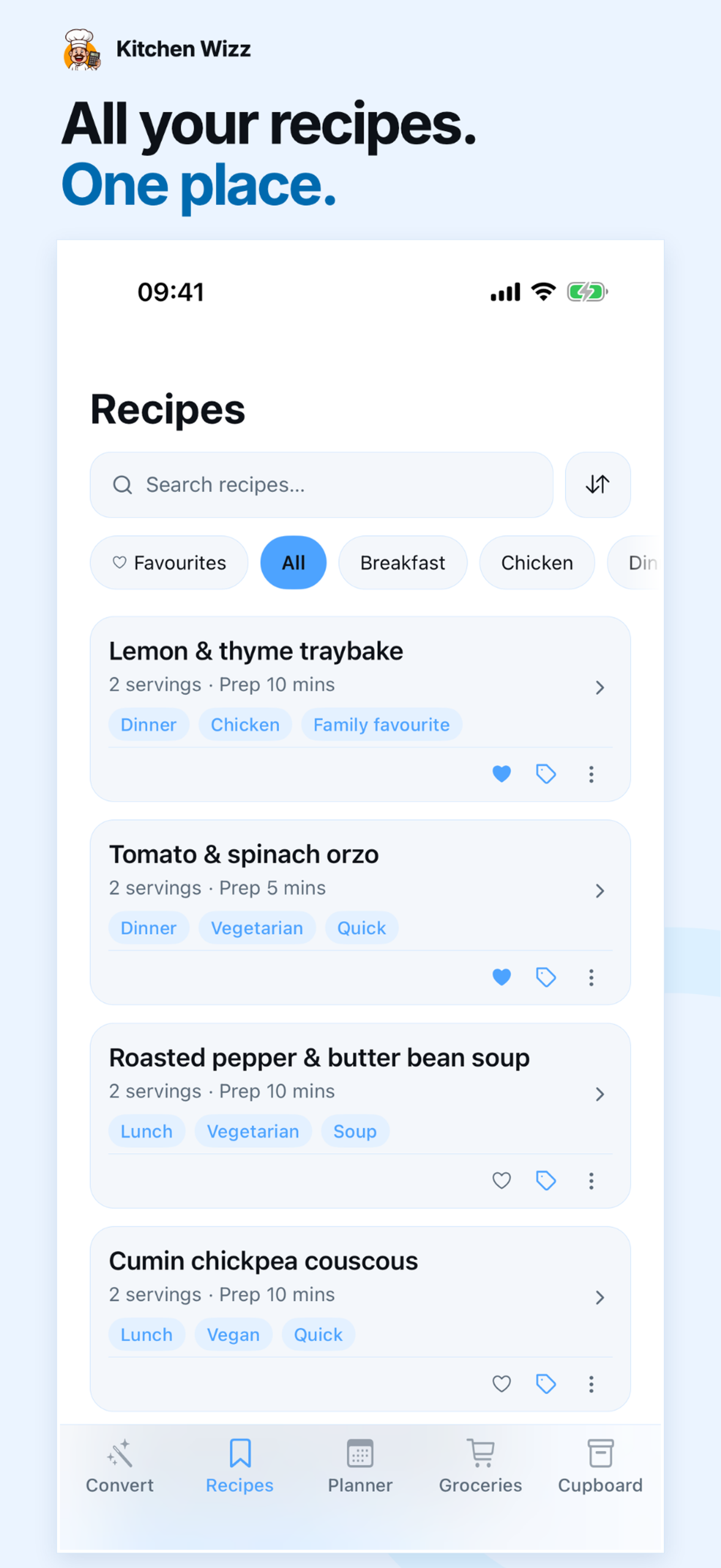
Paste a link, snap a photo, or paste in the text. Kitchen Wizz cleans it up into a proper recipe card.
Drag recipes onto your meal plan and adjust servings — measurements convert automatically.
Your grocery list builds itself from your plan, organised and ready to check off in-store.
Yes — Kitchen Wizz is free to download and use. A Pro plan (from £4.99/month) unlocks extra features, and every new Pro subscription starts with a 14-day free trial, so you can try it before you pay for anything.
Kitchen Wizz is launching on iOS first, with Google Play in the works. Join the waitlist and we'll let you know the moment the Android version is ready.
Paste in recipe text, snap a photo of a cookbook page or handwritten card, or drop in a link — Kitchen Wizz reads it and turns it into a clean, editable recipe card with ingredients, steps, and timing, saved to your own library.
Your recipes are yours. This website doesn't use cookies or trackers, and we only ever hear from you if you choose to email us via the waitlist link. See our Privacy Policy for details.
Free to download. Start organising your kitchen today.
Launch notification only. Send the pre-filled email to sign up. Withdraw anytime at hello@kitchenwizz.com. Privacy Policy.